




How to Choose the Perfect Standing Desk: A Comprehensive Guide
In today's increasingly sedentary work culture, standing desks have emerged as a popular solution to combat the health risks associated with prolonged sitting, such as back pain, poor posture, and reduced metabolic health. However, with a myriad of options available, selecting the right standing desk can be overwhelming. This guide breaks down the key factors to consider, empowering you to make an informed decision.
1. Prioritize Stability: The Foundation of a Good Experience
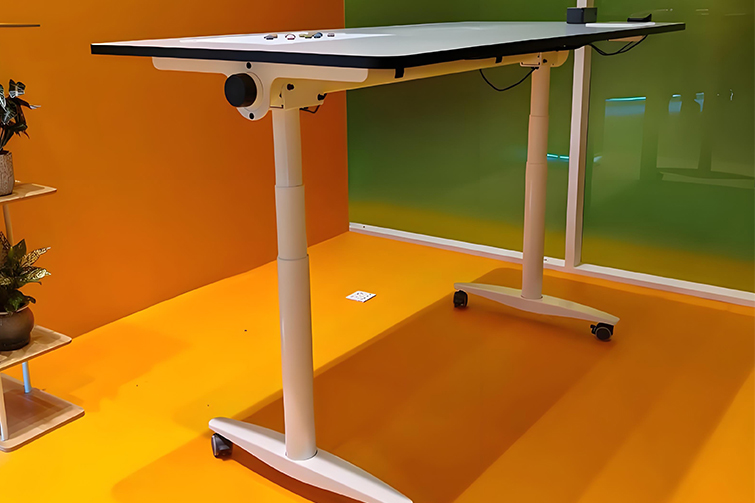
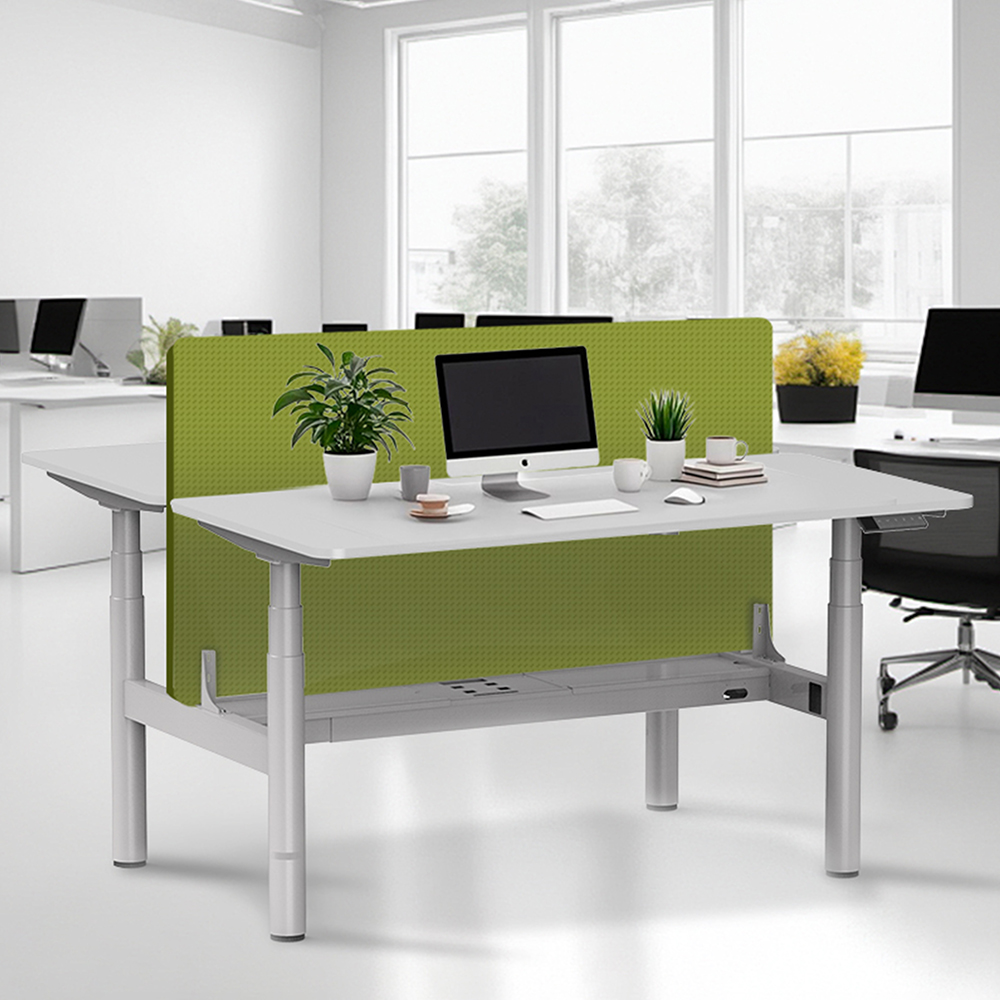
Nothing ruins the standing desk experience more than a wobbly surface, especially at full height. Stability is paramount. Look for desks with sturdy, often T-shaped or C-shaped leg designs with a wide footprint. Desks with dual motors (one in each leg) generally offer superior stability and smoother operation compared to single-motor models. If possible, test the desk at its maximum height before purchasing, or rely on detailed user reviews that specifically mention stability.
2. Choose Your Lift Mechanism: Electric, Crank, or Manual
- Electric (Motorized): The most popular and convenient option. With the push of a button, the desk adjusts quietly and effortlessly to your desired height. Key features to look for include programmable height presets (allowing you to save settings for sitting and standing) and a collision detection sensor that stops the desk if it encounters an obstacle. Dual motors are typically faster, quieter, and can handle heavier loads.
- Crank (Manual): A cost-effective and reliable choice. You manually turn a crank to raise or lower the desk. While it requires more effort and time, it has fewer mechanical parts that could fail and needs no power outlet.
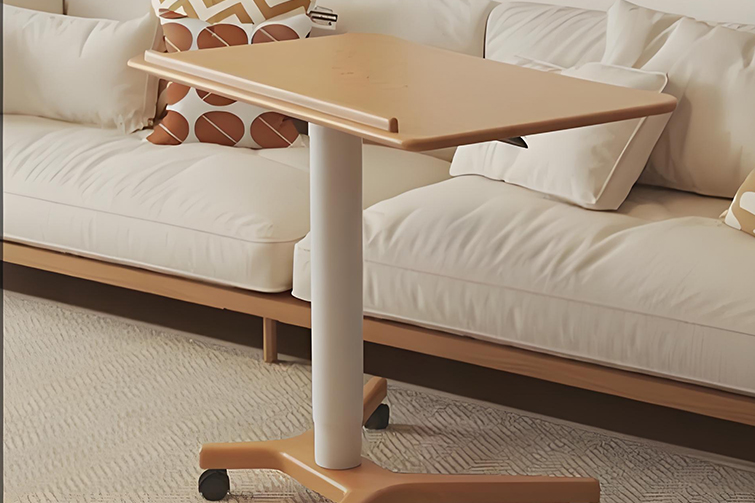
- Manual (Pneumatic or Spring-Lift): Often found in cheaper or convertible "sit-stand" units that sit on top of an existing desk. Adjustment is usually done by releasing a lever and using your body weight to set the height. Best for lighter setups and occasional use.
3. Get the Dimensions Right: Size and Height Range
- Desktop Surface: Consider your workflow. Do you need space for multiple monitors, a laptop, writing space, and other peripherals? A typical rectangular surface ranges from 48" to 72" in width. Ergonomic guidelines suggest a depth of at least 30 inches to allow for adequate monitor distance. Also, consider the shape (rectangular, curved), material (laminate, wood, bamboo), and edge style.
- Height Range: This is the most critical ergonomic specification. The desk must accommodate both your seated and standing heights comfortably. Measure your ideal seated elbow height (arms at 90 degrees) and standing eye level relative to your monitor. A good standing desk should have a range starting around 22-25 inches and going up to 48-52 inches to suit users from approximately 5'0" to over 6'4".
4. Assess Weight Capacity
Add up the weight of everything you'll place on the desk: monitors (especially heavy, curved, or multi-arm setups), computer tower, speakers, and other equipment. Choose a desk with a maximum load capacity that exceeds your total weight by a comfortable margin (at least 20-30%). This ensures long-term motor health and stability. Most quality desks support 200-350 lbs.
5. Don't Underestimate Cable Management
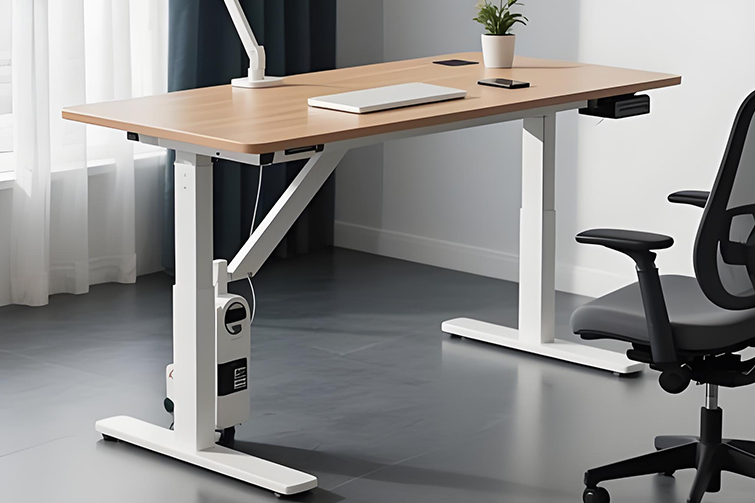
A clean workspace is a safe and productive one. Look for built-in solutions like a cable management tray attached to the underside of the desk, grommets for routing wires, and channels to keep cords from tangling or getting caught during adjustment. This is essential for maintaining the aesthetic and functionality of your adjustable desk.
6. Consider Extra Features and Warranty
- Memory Presets: A major convenience factor for alternating between users or positions.
- Digital Display: Shows the current height, making it easy to find your perfect setting.
- Noise Level: Electric desks should operate quietly (typically under 50 dB).
- Warranty: A strong indicator of manufacturer confidence. Look for a minimum 5-year warranty on the frame and motor, with some premium brands offering 10-15 years.
Key Recommendations Based on Profile
- For the Home Office User: Focus on stability, a sufficient height range, and a desktop size that fits your space. A single-motor electric desk might suffice for a lighter setup.
- For the Power User/Gamer: Prioritize dual-motor stability, high weight capacity, a large surface, and excellent cable management for multiple monitors and heavy equipment.
- For the Budget-Conscious Buyer: A manual crank desk offers core functionality without the electric cost. Alternatively, a quality desk converter (a standing platform on your existing desk) can be an excellent entry point.
- For the Shared/Workspace Desk: Programmable memory presets are essential for multiple users. Durability and a robust warranty are key.
Final Checklist Before You Buy
- Does the height range fit my body measurements?
- Is the desktop size and shape sufficient for my equipment?
- Does it have the weight capacity I need, plus a buffer?
- Is the lift mechanism (electric/crank) suitable for my frequency of use and preference?
- Are stability reviews positive, especially at full height?
- Does it include cable management solutions?
- Is the warranty long and comprehensive?
Investing in a standing desk is an investment in your long-term health and productivity. By carefully evaluating these factors—stability, mechanism, size, capacity, and features—you can transform your workspace into a dynamic, ergonomic environment that supports your well-being throughout the workday. Remember, the best desk is the one that you’ll use consistently and comfortably.